
WAV to MP3 Converter Online: Settings, Quality Rules, and Safe Workflows
WAV to MP3 converter online tools work best when you choose bitrate based on listening context instead of defaulting to the largest file setting. Most quality complaints happen because users skip source checks, use inconsistent profiles, or convert the same file repeatedly across multiple tools.
wav to mp3 converter online workflows help you shrink huge audio files, speed up uploads, and keep broad device compatibility without opening heavy editing software. The practical challenge is balancing file size, clarity, and conversion speed while avoiding misleading download flows that waste time or expose you to malware. This guide gives you a repeatable process for single files and batch projects, with exact bitrate decisions, troubleshooting paths, and quality control checkpoints you can use on desktop or mobile.
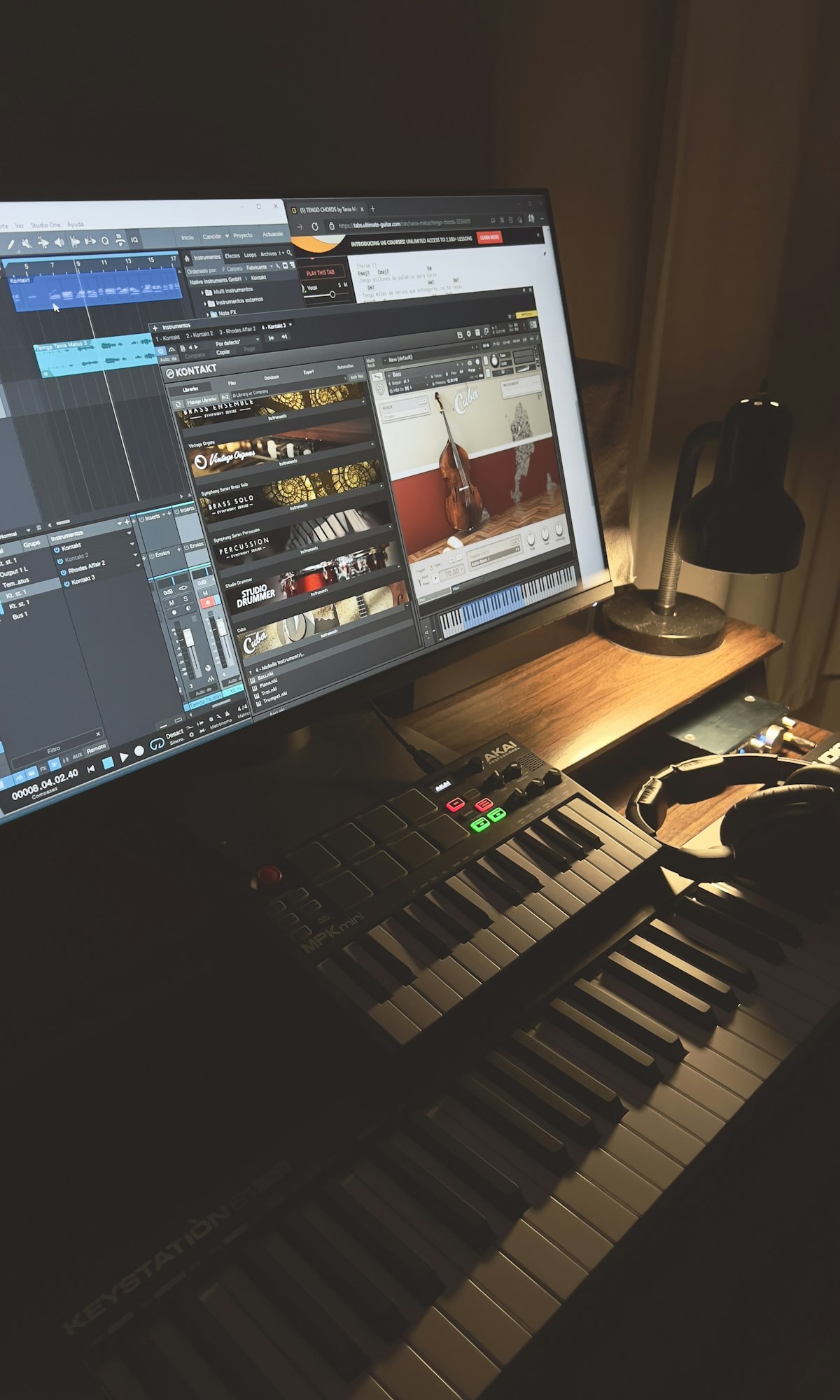
How do I convert WAV to MP3 online quickly and safely?
The fastest conversion is the one you do once. Most failed jobs come from skipping an initial source check, choosing the wrong bitrate, or trusting pages that hide the real download button behind ads. A 60-second setup phase prevents reruns.
Seven-step baseline workflow
- Play the WAV file for 15 to 30 seconds to confirm the source is clean and not clipped.
- Open a converter with clear format and bitrate controls.
- Select MP3 output and pick one bitrate profile before upload.
- Convert and wait for the process to finish fully before switching tabs.
- Download only files ending in
.mp3. - Preview the first and last 10 seconds to catch truncation.
- Rename output immediately with a structured filename.
Fast trust checks before downloading
- Avoid sites that demand browser notifications or extension installs.
- Avoid any page where the largest button starts an installer flow.
- Reject outputs packaged as
.zipunless you explicitly requested archive download. - If one provider fails twice, switch tools instead of repeating the same broken flow.
| Stage | Healthy Signal | Red Flag |
|---|---|---|
| Upload | Progress bar and detected duration match the source file | Upload stalls without status updates |
| Settings | Clear MP3 format and bitrate options | One generic convert button with no controls |
| Download | Direct .mp3 output |
Executable file, forced extension, or redirect chains |
If your source is video rather than a pure WAV file, start with our MP4 to MP3 converter online guide so your extraction settings and troubleshooting path stay aligned with the original media type.
What bitrate should I use for WAV to MP3 conversion?
Bitrate choice is the most important quality decision after source quality itself. WAV is usually uncompressed PCM audio, so you are often converting from a high-fidelity source to a compressed distribution format. The right bitrate depends on where the file will be played and how big you can allow the final file to be.
Practical bitrate defaults for real workflows
- 128 kbps: voice notes, meetings, and long spoken recordings where compact size matters most.
- 192 kbps: default for mixed content and general music playback on phones, earbuds, and laptops.
- 320 kbps: higher-fidelity music distribution when listeners use better headphones or speakers.
Estimated file size by bitrate for a 30-minute recording
| Bitrate | Approximate Output Size | Best Use |
|---|---|---|
| 128 kbps | ~28 MB | Voice-first archives, low-bandwidth sharing |
| 192 kbps | ~42 MB | Balanced quality for most listeners |
| 320 kbps | ~70 MB | High-quality music playback and review libraries |
A common mistake is using 320 kbps for every file. That decision often multiplies storage cost without meaningful audible benefit in casual playback environments. If your audience listens on mobile speakers or basic earbuds, 192 kbps is frequently the better efficiency point.

Does converting WAV to MP3 reduce audio quality?
Yes, MP3 is lossy compression, so some audio information is discarded to reduce file size. The audible impact can be mild or obvious depending on material type, bitrate, and playback environment. Spoken content can remain highly intelligible at lower settings, while complex music often benefits from higher bitrates.
Why users hear different results with the same bitrate
- Different source quality: clean studio WAVs compress better than noisy field recordings.
- Different content density: acoustic guitar and voice behave differently than dense electronic mixes.
- Different playback systems: artifacts that are hidden on phone speakers become obvious on quality headphones.
- Different encoder implementations: not all converters use equal quality encoders.
How to preserve quality while still shrinking files
- Keep one untouched WAV master and export MP3 derivatives from the same source.
- Avoid re-encoding an MP3 repeatedly; each lossy pass can add artifacts.
- Set a standard profile for each content type to avoid random quality drift.
- Run spot checks on sibilance, cymbals, and quiet tails where artifacts appear first.
The Library of Congress format descriptions for WAVE (WAV) and MP3 are useful references when you need to explain format tradeoffs to stakeholders or document conversion policy.
Can I batch convert WAV files to MP3 online?
Yes, but reliability depends on queue limits, upload size caps, and browser stability. Online batch conversion is useful for small to medium batches where install-free operation matters. For heavier workloads, desktop apps or scripted pipelines are generally faster and easier to audit.
When online batch conversion works well
- Podcast teams handling short clips and social cutdowns.
- Course creators exporting lecture snippets for student downloads.
- Internal teams sharing reference audio where turnaround is more important than archival depth.
When to switch to desktop or CLI conversion
- You process dozens or hundreds of files per week.
- You need consistent metadata and naming at scale.
- You need retry logic for large overnight jobs.
- You must store processing logs for compliance or client reporting.
| Method | Strength | Main Limitation |
|---|---|---|
| Online converter | No install and quick setup | Rate limits and inconsistent queue reliability |
| Desktop app | Stable batch processing and folder control | Initial installation and updates |
| Command line | Automation and repeatability | Learning curve for non-technical users |

How do WAV to MP3 converter online steps differ on iPhone and Android?
Mobile conversion works, but the friction shifts from conversion settings to file handling. iPhone users usually struggle with where files land after download, while Android users more often face ad-heavy redirect loops depending on browser and site behavior.
iPhone workflow checklist
- Use Safari with popup blocking enabled.
- Upload from Files app, not from a streaming app cache.
- Download and verify output appears in Downloads or Files Recents.
- Rename output before sharing to avoid duplicate-name confusion.
Android workflow checklist
- Use Chrome or Firefox and keep suspicious site protection enabled.
- Confirm destination folder before conversion starts.
- Inspect extension and size before opening playback apps.
- If redirects persist, close all tabs and retry with another converter.
For users who mostly pull audio from hosted platforms rather than local WAV files, compare with our YouTube video to MP3 converter and YouTube playlist to MP3 converter guides, where link handling and copyright context are different.
Why is my WAV to MP3 converter online failing?
Failures usually come from source, network, or service constraints. Diagnose in order to avoid random retries. A short sequence can isolate the root cause in minutes.
Ordered troubleshooting sequence
- Open the WAV locally and confirm it plays fully.
- Try one shorter test clip from the same source recording.
- Convert at 192 kbps first, then adjust bitrate after successful export.
- Switch to a second converter to detect provider-side issues.
- Move to desktop conversion if browser queues keep timing out.
Failure patterns and fixes
| Symptom | Likely Cause | Fast Fix |
|---|---|---|
| Upload fails repeatedly | File too large for service limit | Split file or use desktop app with no web cap |
| Output has no audio | Corrupted source or unsupported encoding profile | Re-export source WAV and retry |
| Output sounds metallic | Too low bitrate for dense content | Increase bitrate and avoid second re-encode pass |
| Filename chaos in shared folder | No naming convention | Use date-topic-version naming for every export |
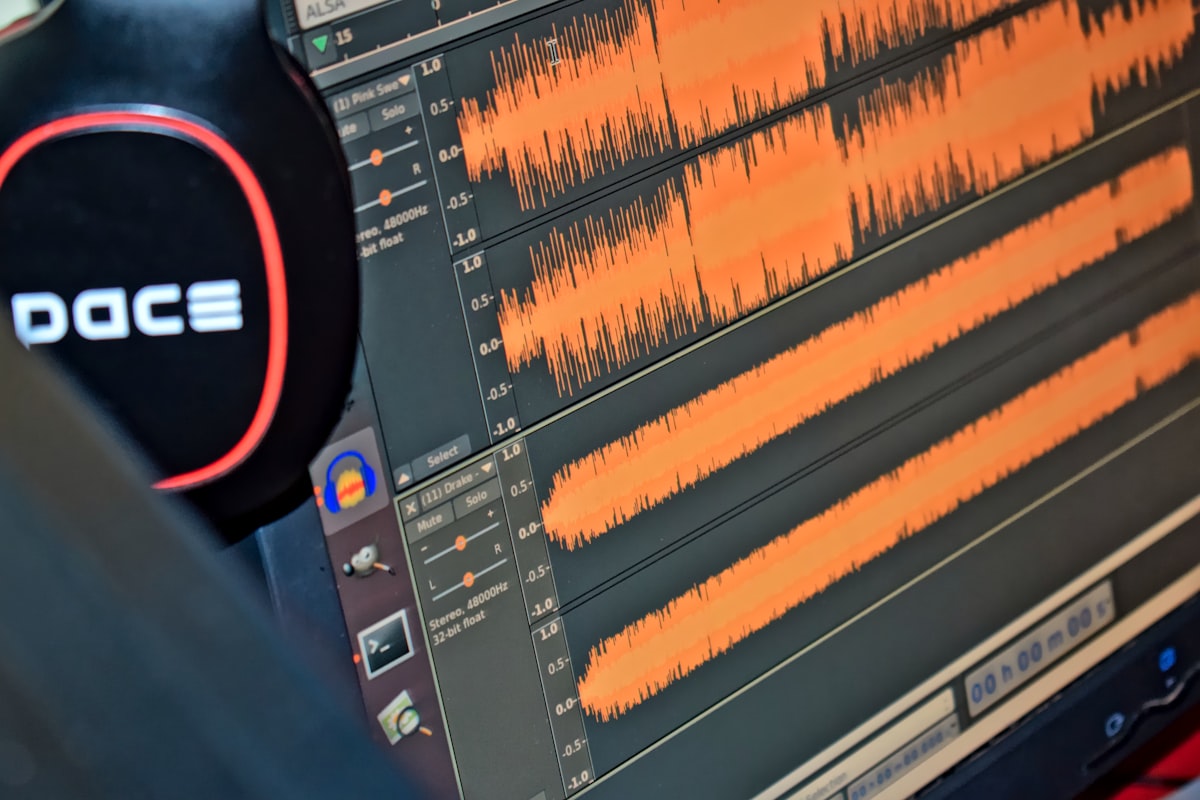
Is WAV to MP3 conversion legal and safe?
Legality and technical safety are separate checks. A conversion can be technically safe yet legally problematic if you do not hold rights to the source content. It can also be legally acceptable but technically unsafe if you use deceptive sites that distribute malware.
Legal decision framework
- Converting your own recordings is generally straightforward.
- Public domain and permissive-license assets are usually safe to repurpose within license terms.
- Commercial music or third-party protected recordings require rights review before redistribution.
Technical safety controls
- Download audio files only; avoid installers from converter pages.
- Keep browser and endpoint protection updated.
- Do not allow push notifications on unfamiliar conversion domains.
- Scan unfamiliar files before ingesting into shared production folders.
The U.S. Federal Trade Commission guide on phishing patterns is still useful when evaluating suspicious download experiences: How to recognize and avoid phishing scams. If your broader workflow includes video asset delivery, our video converter guides cover adjacent risk checks for container formats and download verification.
How can teams standardize WAV to MP3 conversion for repeatable results?
Standardization is what turns conversion from a manual nuisance into an operational workflow. Teams with a written profile usually ship faster, spend less storage, and avoid avoidable quality complaints. The goal is not perfect audio for every file, but predictable output quality for each use case.
Simple conversion standard you can adopt now
- Keep WAV originals untouched in a source-only folder.
- Define three approved MP3 profiles: voice-128, general-192, premium-320.
- Use one naming format like
yyyy-mm-dd_project_topic_profile.mp3. - Document which converter and version produced each batch.
- Run a two-device listening check before release.
Quality gate checklist before publishing audio
- Beginning and end of file are intact.
- No sudden gain spikes, clipping, or channel imbalance.
- Metadata fields are filled for title, creator, and date where relevant.
- Output profile matches audience and distribution channel.
For technical teams implementing repeatable command-based conversion, the official FFmpeg documentation is the best baseline reference for codec, bitrate, and batch syntax details.
Frequently Asked Questions
How do I convert WAV to MP3 online?
Upload the WAV file to a trusted converter, select MP3, choose bitrate, convert, and download. Verify the extension is .mp3 and preview the file quickly before sharing. This avoids most incomplete or mislabeled output issues.
What bitrate should I use for WAV to MP3?
Use 128 kbps for speech-first recordings, 192 kbps for balanced quality and size, and 320 kbps when higher-fidelity playback matters. Start at 192 kbps if you are unsure, then adjust based on listener feedback and storage limits.
Does WAV to MP3 conversion reduce quality?
Yes, because MP3 is lossy and removes audio detail to cut file size. The impact can be minor at sensible bitrates and clear sources, but repeated re-encoding will usually compound artifacts over time.
Can I batch convert WAV files to MP3 online?
Many tools support multi-file queues, but web limits vary by service. For frequent batch jobs, desktop workflows are usually more reliable, especially when you need consistent naming and quality settings.
Is WAV to MP3 conversion legal?
It depends on rights to the source recording and intended use. Your own recordings are usually straightforward; third-party copyrighted material may require permission or licensing before redistribution.