
AVI to MP3 converter online: reliable extraction workflow for clean audio
AVI to MP3 converter online tools work best when you set one bitrate policy and validate each export before sharing. Most failures come from random preset changes, hidden upload limits, and unsafe download paths rather than from the AVI file itself.
AVI to MP3 converter online workflows are useful when you need the audio track from a video container for podcasts, language study, archive cleanup, or mobile playback. AVI files can hold many different codec combinations, so quality and compatibility depend on how the source was encoded and how you export MP3. This guide gives you a practical, repeatable process for convert AVI to MP3 tasks, including bitrate planning, batch execution, playback QA, and safety controls that reduce rework. If your source is a newer video format, review our MP4 to MP3 converter online guide first and then apply the same QA model shown below.
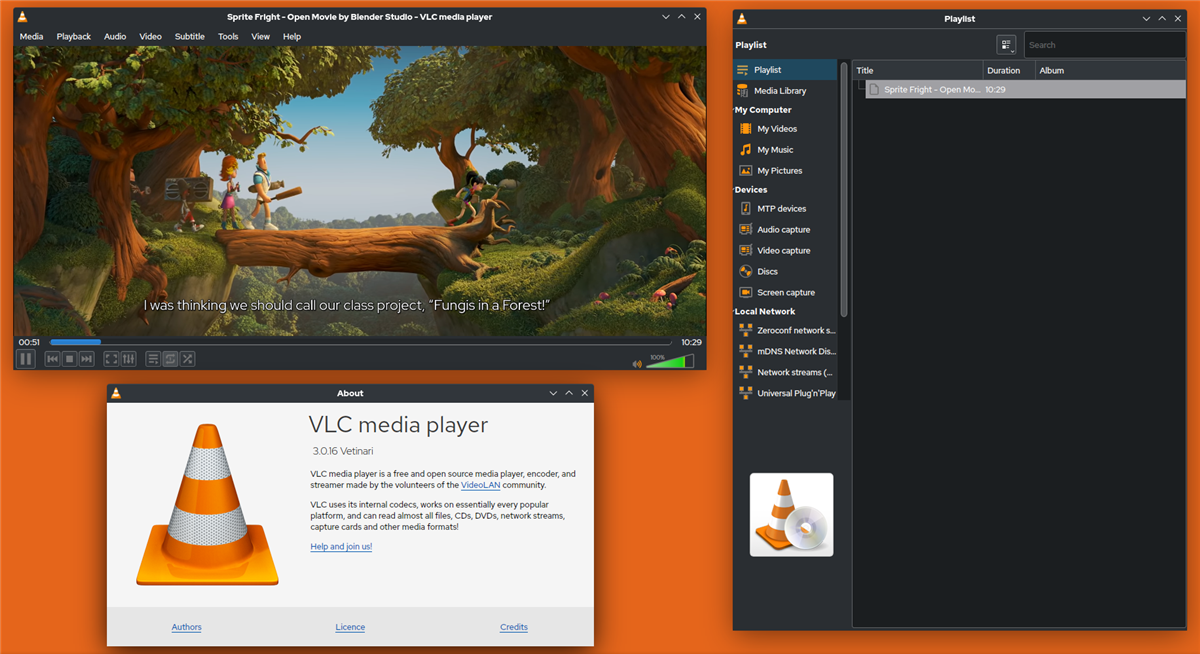
How do I convert AVI to MP3 online with consistent output?
Most people focus on the conversion click itself, but consistency comes from setup discipline. When teams skip setup, they end up with mixed bitrates, duplicate names, and files that play differently across apps. A controlled AVI audio extractor online workflow solves this by standardizing your process before upload starts.
Eight-step baseline conversion sequence
- Open the AVI source and verify total runtime, channels, and audible issues.
- Choose a converter that clearly exposes MP3 bitrate and sample-rate controls.
- Set MP3 output profile before upload to avoid per-file drift.
- Pick one bitrate target based on listener context, not guesswork.
- Run a small pilot file first, then queue the full batch.
- Download only direct media files, never installers or browser extensions.
- Check intro, midpoint, and end for truncation or sync artifacts.
- Store the original AVI separately so you can rerun conversion cleanly later.
Conversion health checklist
| Stage | Healthy signal | Failure signal |
|---|---|---|
| Upload | Duration and filename parse correctly | Duration appears as 0:00 or metadata is missing |
| Settings | Bitrate and output format are visible | Only one hidden "auto" preset is available |
| Export | Output arrives as .mp3 with expected size | Unexpected extension or installer download |
| Playback QA | Audio is complete and clean on two devices | Dropouts, clipping, or silent sections |
When reliability matters, a pilot-run approach saves time: convert one file, validate all settings, then scale. This is the same logic we recommend in our M4A to MP3 converter online and WEBM to MP3 converter online workflows.
What bitrate is best for AVI to MP3 conversion?
There is no universal best bitrate for every project. The right choice depends on whether the output is speech-heavy training material, mixed media, or music-first playback. Picking the wrong profile is one of the fastest ways to either waste storage or damage quality.
Practical bitrate defaults
- 128 kbps: lectures, voice notes, interview transcripts, and long archives where file size is a top constraint.
- 192 kbps: balanced setting for mixed speech and music in general publishing workflows.
- 320 kbps: music-focused output where listeners use better headphones and expect fuller detail.
Estimated file size for 60 minutes of audio
| Bitrate | Estimated size | Best use case |
|---|---|---|
| 128 kbps | ~56 MB | Voice archives and bandwidth-sensitive sharing |
| 192 kbps | ~84 MB | General-purpose publishing and team handoff |
| 320 kbps | ~140 MB | Higher-fidelity listening and review copies |
A team-wide default usually works better than case-by-case decisions. For most projects, 192 kbps keeps quality stable while avoiding file-size inflation. If your source already sounds compressed, jumping to 320 kbps does not recreate lost detail, so use that setting only when downstream playback actually benefits.
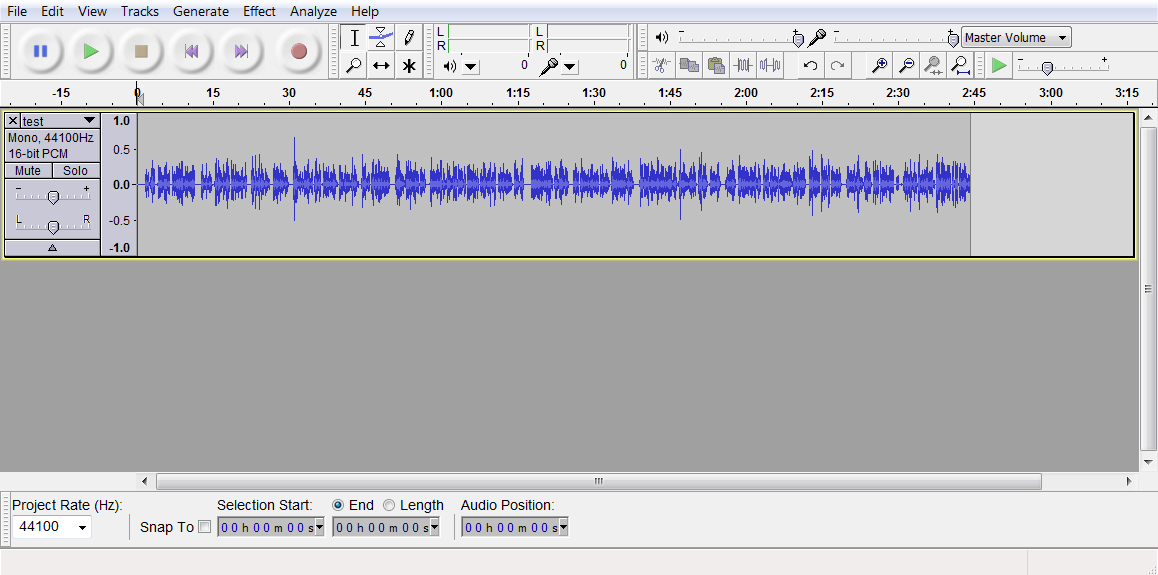
Does AVI to MP3 reduce quality?
Sometimes yes, and the amount depends on source codec quality and chosen MP3 settings. AVI is a container, so two AVI files can behave very differently: one might include clean PCM audio while another carries heavily compressed audio that is already near its quality floor. Re-encoding low-quality audio at low bitrate can stack artifacts quickly.
How to reduce quality loss during extraction
- Start from the best available source, not a previously converted copy.
- Avoid repeated lossy-to-lossy conversions across multiple tools.
- Use one approved bitrate profile for all files in the same project.
- Listen on at least two playback devices before final delivery.
One clean, documented conversion pass is almost always better than repeated ad hoc exports.
If your source is lossless audio rather than video, quality strategy changes. Compare this workflow with our FLAC to MP3 converter online guide to understand when bitrate upgrades help and when they only inflate storage.
Can I batch convert AVI to MP3 files without breaking metadata?
Yes, but you need process controls. Batch conversion is efficient when you apply strict naming, logging, and spot-check rules. Without those controls, teams often discover late that track names, sequence order, or tags were stripped.
Batch policy that scales
- Define three output profiles only: voice, default, and high-fidelity.
- Use a naming template: project-date-track-bitrate.
- Keep a conversion log with tool name, settings, and operator.
- Require a spot-check every 20 files plus one full-file audit per batch.
Operational comparison: online tool vs desktop app vs script
| Method | Strength | Limitation |
|---|---|---|
| Online converter | Fast setup, no installation | Queue limits and variable session stability |
| Desktop application | Higher throughput and better metadata control | Requires device setup and update maintenance |
| Command-line pipeline | Repeatable automation and audit logs | Higher initial setup complexity |
For repeatable automation, reference the official FFmpeg documentation. For format background, the Library of Congress format descriptions for AVI and MP3 are useful baseline references when documenting internal policy.

Why is my AVI to MP3 converter online failing?
Most failures are diagnosable in minutes if you test one variable at a time. Start by validating the source, then isolate tool limits, then check browser behavior, and finally confirm download integrity. Skipping this sequence usually causes repeated failures with no root cause.
Fast triage sequence
- Play the original AVI end-to-end in a trusted local player.
- Export a 30-60 second sample first using 192 kbps MP3.
- Repeat the same sample in a second converter.
- Switch browsers if upload stalls at a consistent percentage.
- Move large jobs to desktop tools when web sessions keep timing out.
Common symptoms and fixes
| Symptom | Likely cause | Fast fix |
|---|---|---|
| Upload freezes repeatedly | Provider file-size cap or session timeout | Test smaller clip or change provider |
| Output has no audible sound | Corrupt transfer or wrong audio stream selected | Retry with explicit audio-track selection |
| Metallic or watery sound | Bitrate too low for source complexity | Retry at 192 or 320 kbps |
| Unexpected file extension | Misleading ad or disguised download | Delete file and re-download direct MP3 only |
Is AVI to MP3 conversion legal and safe?
Legality depends on rights to the source material, while technical safety depends on the conversion and download path. If you own the file or have explicit license rights, conversion is generally straightforward. Redistribution is where risk increases, especially for copyrighted media.
Legal baseline
- Converting your own recordings is typically low-risk.
- Public-domain and properly licensed material can be converted under license terms.
- Sharing copyrighted converted audio without permission can violate law and platform rules.
Safety baseline
- Download only the final media file, never bundled installers.
- Reject converter pages that demand push notifications.
- Scan unfamiliar files before opening on shared systems.
- Use FTC phishing guidance when evaluating suspicious sites: How to recognize and avoid phishing scams.
If your primary workflow is social-video extraction, pair this page with our YouTube video to MP3 converter guide for additional policy and safety checks.
How should teams QA AVI to MP3 outputs before publishing?
Quality assurance should be lightweight but mandatory. A simple two-pass model catches most defects before users notice them: technical validation first, listening validation second. This approach works for single creators and content teams.
Two-pass QA model
- Pass 1: Technical checks. Confirm extension, runtime, bitrate, channel mode, and file-size range.
- Pass 2: Listening checks. Sample start, middle, and end on one mobile and one desktop device.
| QA check | What to verify | Why it matters |
|---|---|---|
| Runtime match | Output duration closely matches source | Detects truncation and stream errors quickly |
| Bitrate compliance | All files match approved profile | Prevents inconsistent user experience |
| Playback coverage | File plays on at least two device types | Validates real-world compatibility |
| Metadata integrity | Name and ordering fields are intact | Reduces library cleanup and support tickets |
A short QA checklist attached to each batch can reduce repeated fixes by a large margin, especially when multiple contributors are exporting files. For adjacent container workflows, the same model applies to MOV to MP3 converter online and MKV to MP3 converter online use cases as well.
How should I test AVI to MP3 playback across devices?
Device testing is where most hidden defects appear. A file that sounds fine on a laptop can fail in a car stereo, smart speaker, or older Android player because codec handling, metadata parsing, and buffering behavior vary by platform. Treat playback verification as part of conversion, not a final optional step.
Minimum device matrix for reliable release
- Desktop: one modern browser and one local media player.
- Mobile: at least one iOS device and one Android device.
- Edge case: one legacy playback target such as car USB or older embedded player.
What to verify during playback
- Start latency: audio should begin without long silent delay.
- Seek stability: jumping to the middle should not desync or mute.
- Tail integrity: final 5-10 seconds should play cleanly without truncation.
- Metadata display: title and filename should appear correctly.
| Test point | Pass condition | Escalation trigger |
|---|---|---|
| Startup | Playback begins within expected app delay | Repeated silent starts on the same device |
| Seek test | Seeking keeps audio intact and in sequence | Audio drops or restarts after seek |
| End-of-file test | Track ends naturally at expected runtime | Track cuts early or loops unexpectedly |
Frequently Asked Questions
How do I convert AVI to MP3 online?
Upload your AVI file to a trusted converter, choose MP3 output, set a bitrate profile, and run a pilot conversion first. After export, test the start, middle, and end on your target playback device before sharing.
What bitrate is best for AVI to MP3 conversion?
192 kbps is the best default for mixed content because it balances quality and file size. Use 128 kbps for speech-heavy files and 320 kbps only when higher-fidelity music playback is required.
Does AVI to MP3 reduce audio quality?
It can reduce quality when the source is already compressed or when bitrate is set too low. A single controlled conversion pass at a practical bitrate usually keeps artifacts manageable.
Can I batch convert AVI to MP3 files?
Yes, many tools support batches, but reliability depends on queue limits and browser stability. For recurring workloads, desktop or scripted pipelines are often more predictable and easier to audit.
Is AVI to MP3 conversion legal and safe?
Converting files you own or have rights to is usually straightforward, while redistributing copyrighted audio can create legal risk. Use reputable tools and avoid pages that force app installs or browser notification permissions.